

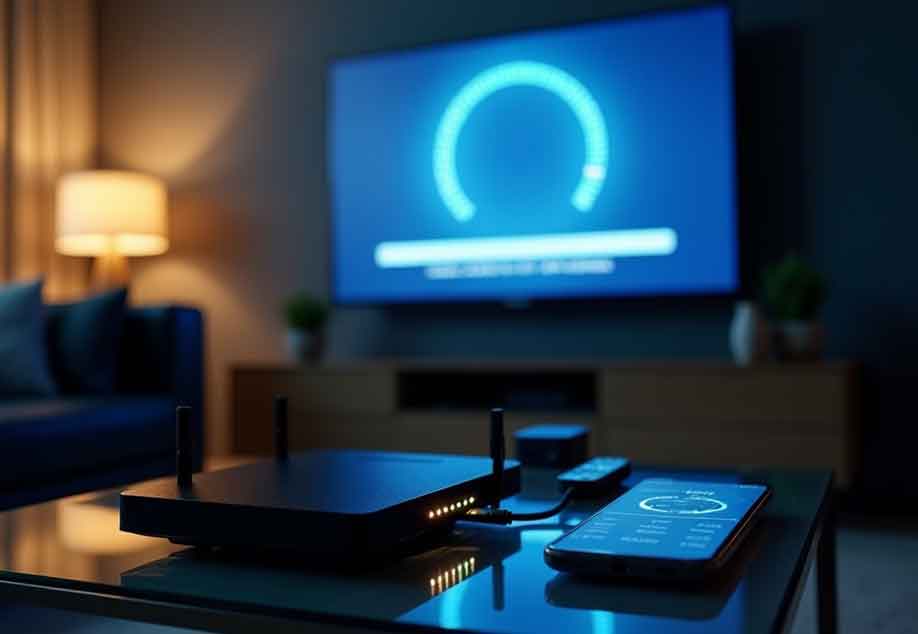
Internet protocol television transforms entertainment by delivering content over internet connections rather than traditional broadcast methods. This technology brings vast programming options directly to viewers, but technical issues sometimes interrupt the viewing experience. Understanding how to troubleshoot common problems helps viewers maintain uninterrupted enjoyment of their favourite programs.
Connection problems
Connection difficulties rank among the most frequent IPTV challenges. When streams fail to load or suddenly stop playing, the issue typically stems from internet connectivity problems. Start troubleshooting by verifying your internet connection works appropriately through other applications or devices.
Bandwidth limitations often cause streaming problems, especially during peak usage hours when networks experience congestion. You can use speed tests to determine whether your connection is capable of streaming with quality. Standard definition streams require approximately 3-5 Mbps, while high definition streams require 5-10 Mbps or higher.
Buffering issues
- Few streaming problems frustrate viewers more than constant buffering interruptions. This common issue manifests as frequent pausing while the player loads additional content. Buffering typically indicates insufficient bandwidth reaching your device for continuous playback.
- When buffering occurs, temporarily reducing video quality often resolves the issue immediately. Most applications include quality selection options, allowing viewers to match stream requirements with available bandwidth. While lower resolutions sacrifice some visual clarity, they provide smoother playback when bandwidth limitations exist.
- Position wireless devices closer to routers when possible to strengthen signal strength. Physical obstacles like walls and appliances weaken wireless signals, potentially causing interruptions even with adequate internet speeds.
Audio sync
Audio and video synchronization problems create distracting viewing experiences. This desynchronization often manifests as dialogue before or after lip movements on screen. While sometimes caused by transmission issues, audio sync problems frequently originate within player applications.
Restarting the current stream often resolves temporary sync issues. If problems persist, completely closing and reopening the application typically reestablishes proper synchronization. If you’re experiencing persistent problems, it’s always a good idea to check for application updates to ensure you have the latest bugs fixes and optimizations.
IPTV Espana users occasionally report that changing audio tracks or temporarily switching to another channel before returning helps reset synchronization when other methods fail. This technique forces the player to reestablish stream parameters, often correcting timing inconsistencies.
Application crashes
Streaming applications sometimes crash unexpectedly, particularly on older devices with limited resources. These crashes typically occur when applications encounter memory limitations or processing bottlenecks. Keeping applications updated ensures compatibility with current streaming protocols and security requirements.
When applications crash repeatedly, clearing the application cache often resolves stability issues. Cache files store temporary data to improve performance but sometimes become corrupted, causing unexpected behaviour. Most devices provide options to clear cache files through settings menus.
Black screen issues
- Black screens with audio or completely blank displays frustrate many viewers. These issues typically indicate video decoding problems rather than connection difficulties. Often, the stream data reaches your device correctly but fails during the final display process.
- Changing video output settings sometimes resolves black screen issues. Most applications and devices offer multiple decoding options, and compatibility varies between devices. Experiment with different output settings to find combinations that work reliably with your hardware.
- Ensuring firmware updates remain current for smart televisions helps maintain compatibility with evolving streaming protocols. Manufacturers regularly release updates addressing known display issues as they discover them.
Most streaming issues respond well to basic troubleshooting techniques without requiring technical expertise. When problems persist despite multiple resolution attempts, contacting your service provider’s support team provides access to specialized diagnostics and solutions tailored to their specific systems.
